Suno to Ableton
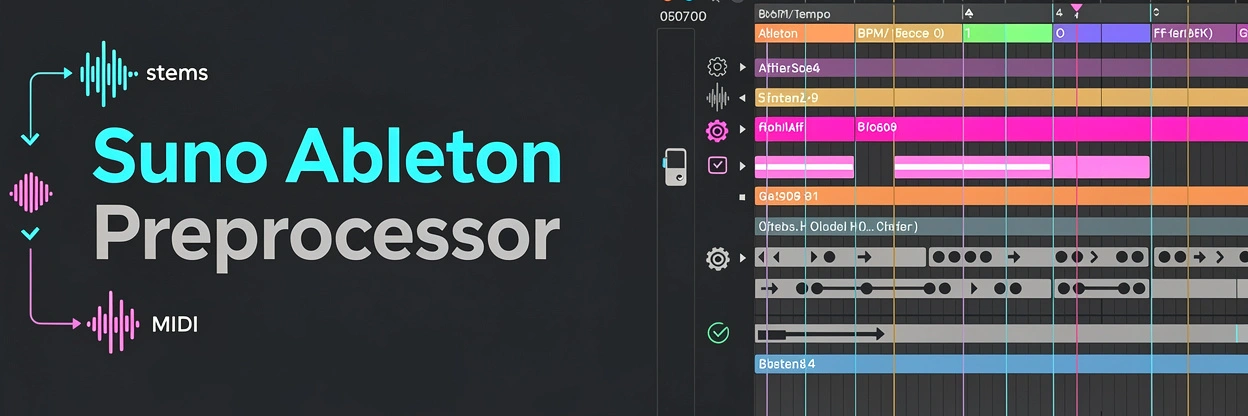
Turn your Suno AI songs into production-ready Ableton Live sessions. Export stems and MIDI from suno.ai, run one command, and open a fully laid-out .als file — every track named, grid-aligned, tempo-matched, and ready to remix.
What it does
Automates all the tedious work between exporting from Suno and actually producing in Ableton:
- Stem cleanup — renames, normalizes, trims silence, and routes each stem to the correct track
- Tempo and grid alignment — detects BPM, aligns the first downbeat, and snaps everything to the grid
- MIDI cleanup — strips junk notes, fixes quantization, and sets the correct tempo
- Arrangement detection — identifies song sections like intro, verse, chorus, and bridge
- Stem comparison — evaluates stem quality and picks the cleanest version when alternatives exist
- Key and harmony correction — detects the key and fixes wrong notes in MIDI
.alsexport — generates an Ableton Live Set ready to open and produce
Quick start
Acknowledgments
- ableton-lom-skill — Ableton Live Object Model API reference used for Remote Script and ALS integration development
License
See LICENSE.